Campaigns start conversations. The replies — questions, orders, “can we talk?” — are where the business happens. Devlo keeps them next to the campaigns that started them.
Connect your mailboxes
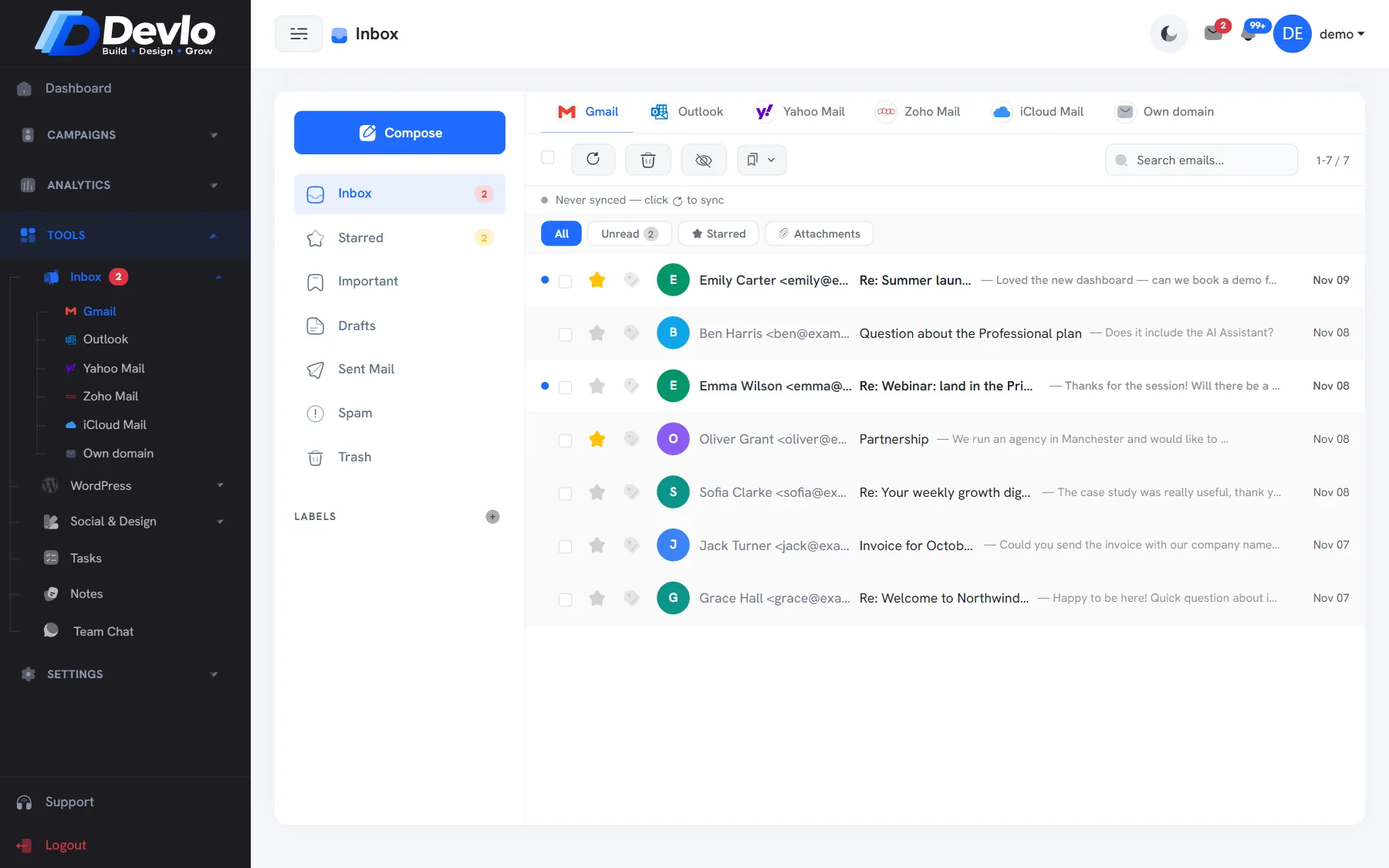
Add each mailbox under Settings›Email Sending in Other Mailboxes. Each one needs its incoming (IMAP) and outgoing (SMTP) server, which your provider publishes. Devlo shows each mailbox with its own icon, so you always know which account you are in.
Read and answer
- Switch between mailboxes with the tabs at the top.
- Press Sync to fetch the newest mail.
- Star the conversations that need a follow-up.
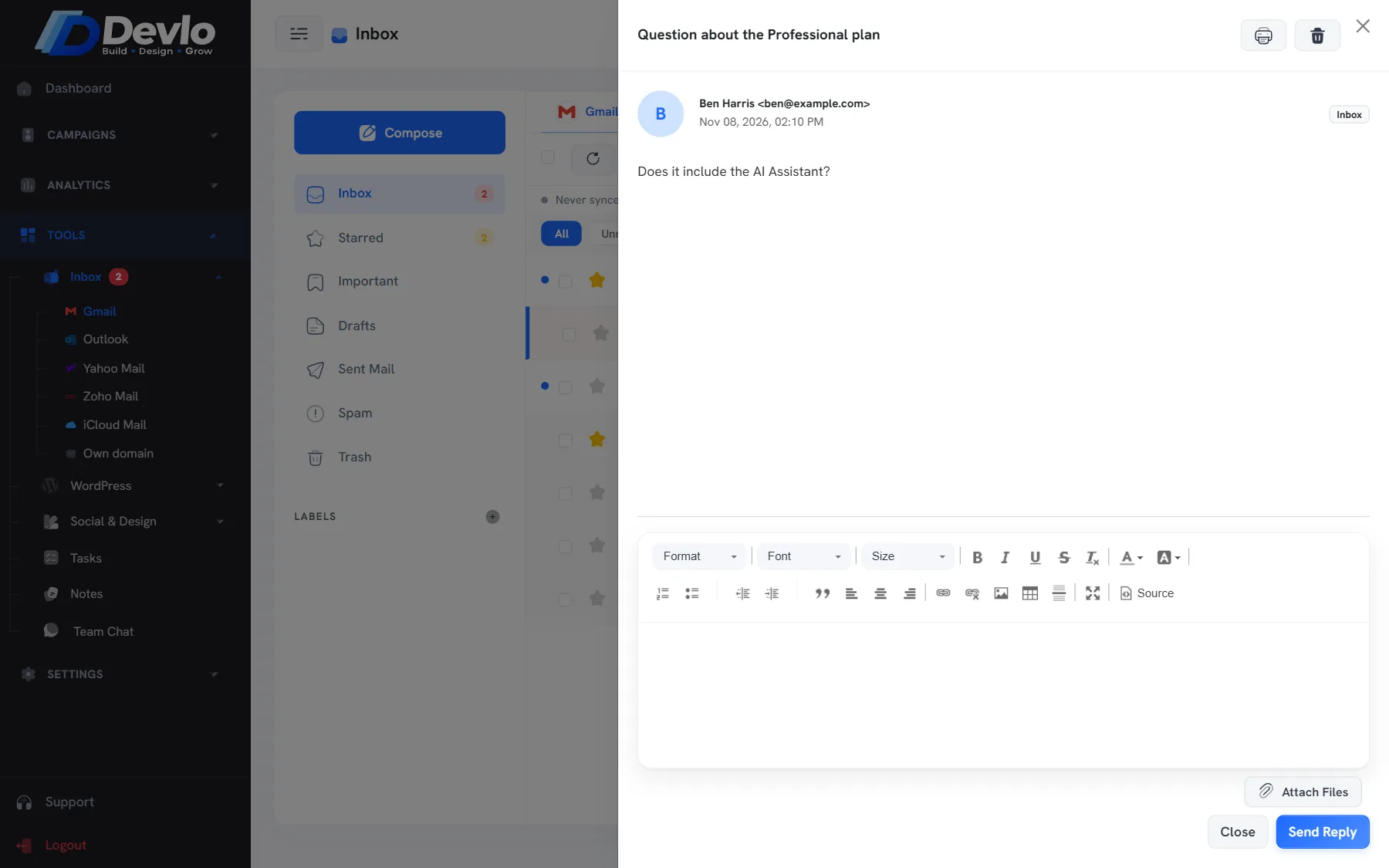
- Reply with attachments — the right address and signature are filled in for you.
Your mail stays where it is
Devlo reads and sends through your own accounts. Nothing is moved, so your phone and desktop apps keep working exactly as before — Devlo is simply another window onto the same mailboxes.
Set a signature per mailbox, so every reply carries the right one automatically.
Put it into practice
Devlo has these checks built in. Start free — no card needed.