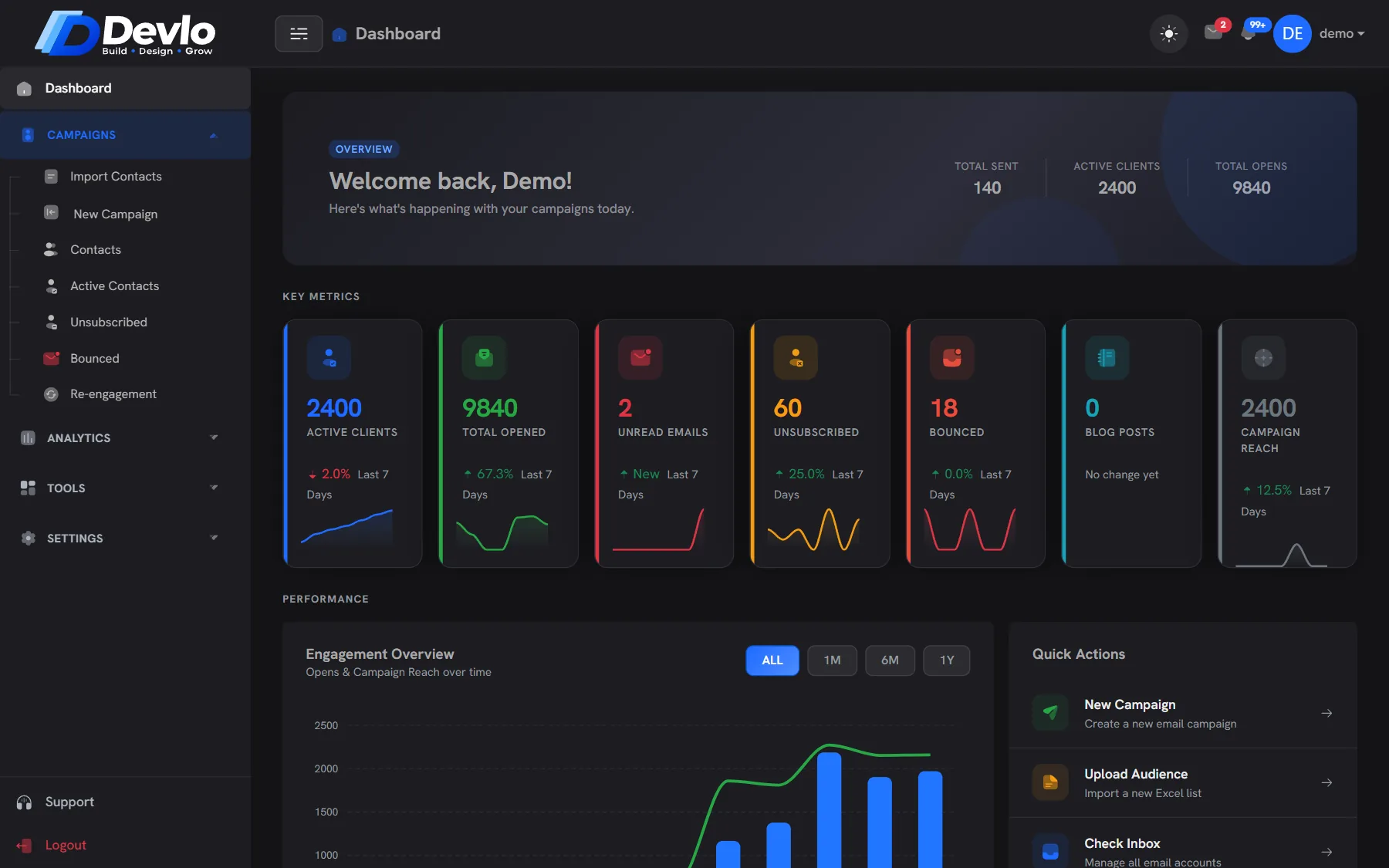
Campaigns that land in the inbox.
Write with AI, send paced like a person, and watch opens, clicks and replies arrive live — while domain and blocklist checks run in the background.
Summer offer · sending
● LiveNSEverything a send needs.
Nothing it doesn't.
From the first line of copy to the last reply, one place does the work — no plug-ins, no spreadsheets.
Write with AI
Describe the email in plain words. The AI Assistant drafts the copy and suggests three subject lines to choose from.
Merge tags
Name, company, location and more in the subject and body, so every email reads like it was written for one person.
A/B subject lines
Test two subject lines: half the list gets A, half gets B, and the campaign report shows which one won.
Hourly caps per domain
Big lists go out in batches across the day, under the limits Gmail and Outlook expect from a real sender.
Blocklist check
Your sending server and domain are looked up on public spam blocklists such as Spamhaus, with a removal link if one lists you.
Open & click tracking
See who opened and what they clicked, per contact. Clicks from security scanners are filtered out first.
Send now or schedule
Launch straight away, or pick a date and time and let the campaign go out on its own.
Your own inboxes
Connect the sending accounts you already use. Each one is paced on its own, and replies come straight back to you.
One-click unsubscribe
Every email carries a signed unsubscribe link. People who leave are kept out of every list — even in future imports.
One campaign,
start to finish.
Say what you want. Get a draft.
Type a line like “Summer offer for our gym members”. The AI Assistant writes the email, offers three subject lines and keeps your merge tags in place. Edit anything before it goes.
Three subject lines to pick from Your tone, your signature Mobile preview as you type
New Campaign
NSSend now, or when they read.
Pick the list, pick the sending inbox and go — or schedule it. Devlo spreads the campaign across the day and keeps every sending address inside its limits.
Send from any inbox you connect Schedule for later A/B test two subject lines
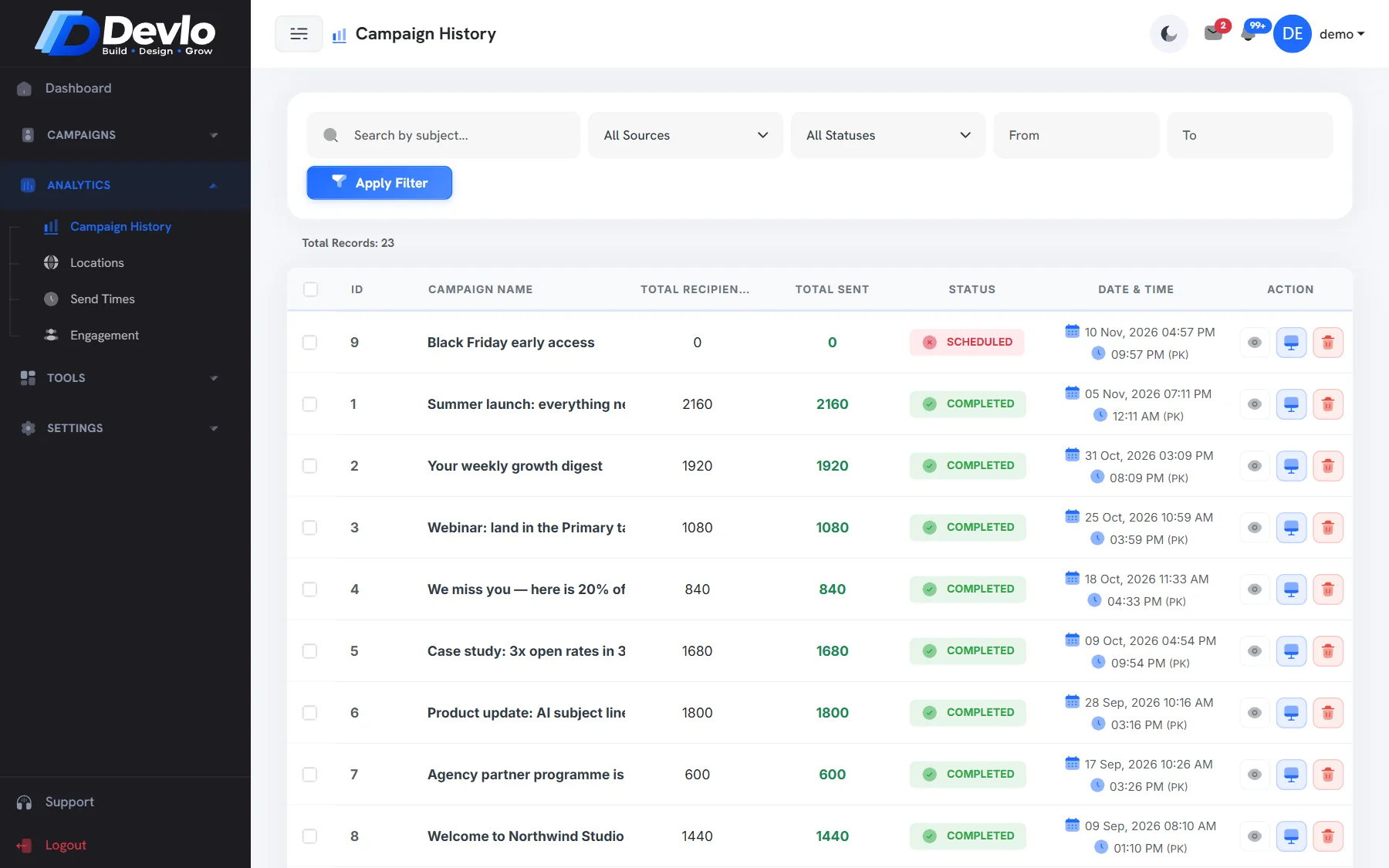
Every open, click and reply.
The report fills in as people read: opens, clicks, devices and email clients, per contact. Replies land in your Multi Inbox, and quiet contacts can be won back with one click.
Opens and clicks per contact Device and email client breakdown Export any report to CSV
Summer offer · report
NSChecked before
every send.
You write and press send. These run on their own, every time, so your campaign reaches inboxes instead of spam folders.
SPF
Your domain says which servers may send for it. Devlo checks the record is there and correct.
DKIM
Each email is signed, so mailbox providers can tell it really came from you and wasn't changed.
DMARC
Tells Gmail and Outlook what to do with mail that fails the checks — and protects your name from spoofing.
Blocklists
The sending server and the domain are looked up on 9 public spam blocklists, so a listing never surprises you.
Hourly caps
Sends are paced per domain and per hour, the way a person sends — never all at once.
MX & reverse DNS
Replies need a mail server to land on, and your sending server needs a proper name. Both are checked and explained.
Good to know.
Yes. Connect the sending accounts you already use, and Devlo sends through them — paced and checked — so replies come straight back to you.
No. Domain Health checks your records and tells you, in plain words, exactly what to add and where.
Your plan sets how many contacts you can keep. How fast a campaign goes out depends on each sending account's limits — Devlo spreads the send across the day to stay inside them.
They are taken off every list in your account at once, and they are left out automatically if their address turns up in a future import.
Yes — per contact, with the device and email client they used. You can export any report to CSV.
Better together.
Ready togrow smarter?
Bring your list, we'll bring the deliverability. Set up takes an afternoon, and the Free plan stays free.