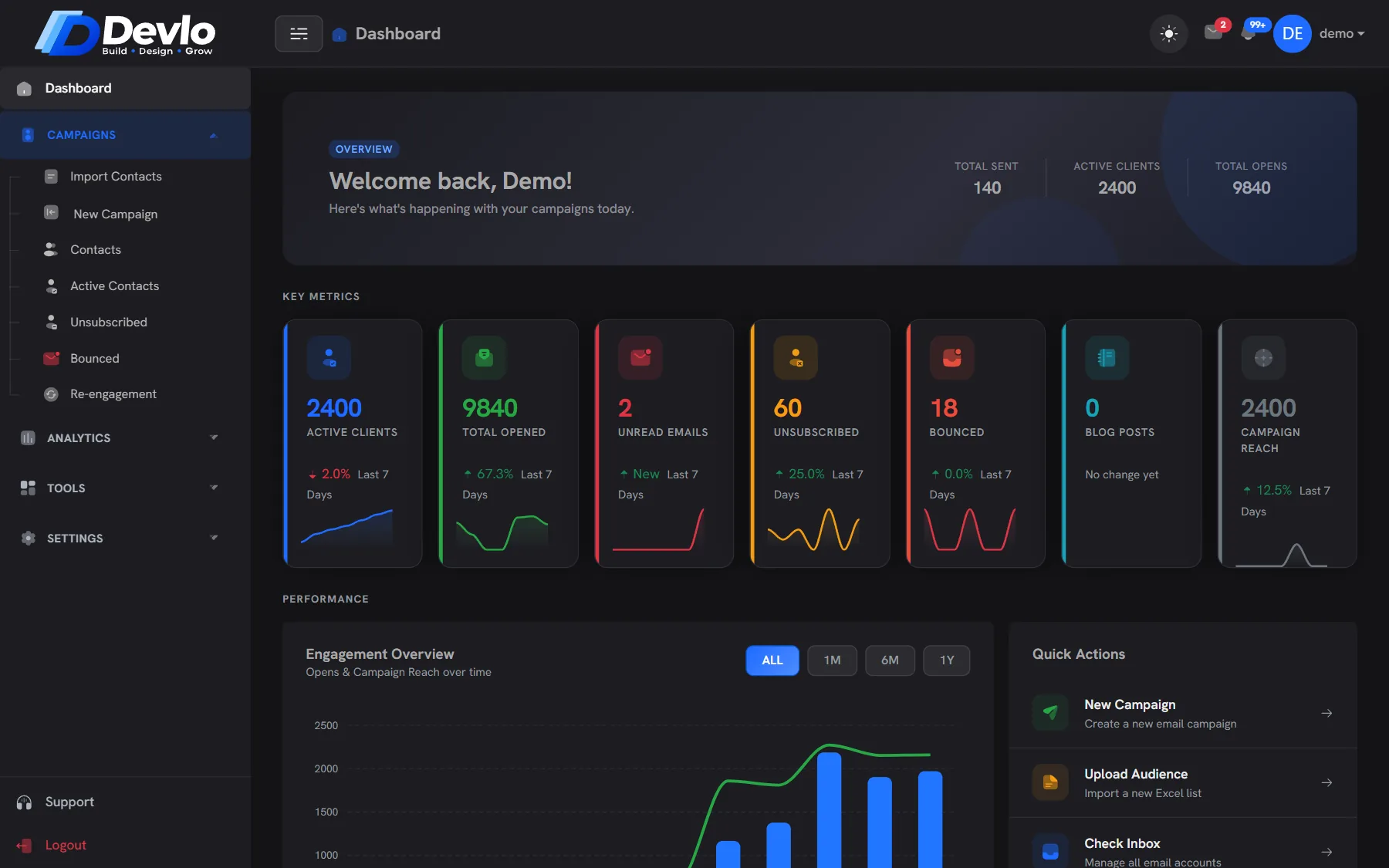
Your team, in the same place as the work.
Chat, tasks and notes next to your campaigns and contacts — with roles that decide who can see and do what.
Fewer tools,
fewer gaps.
When the conversation sits next to the campaign, nothing gets lost between apps.
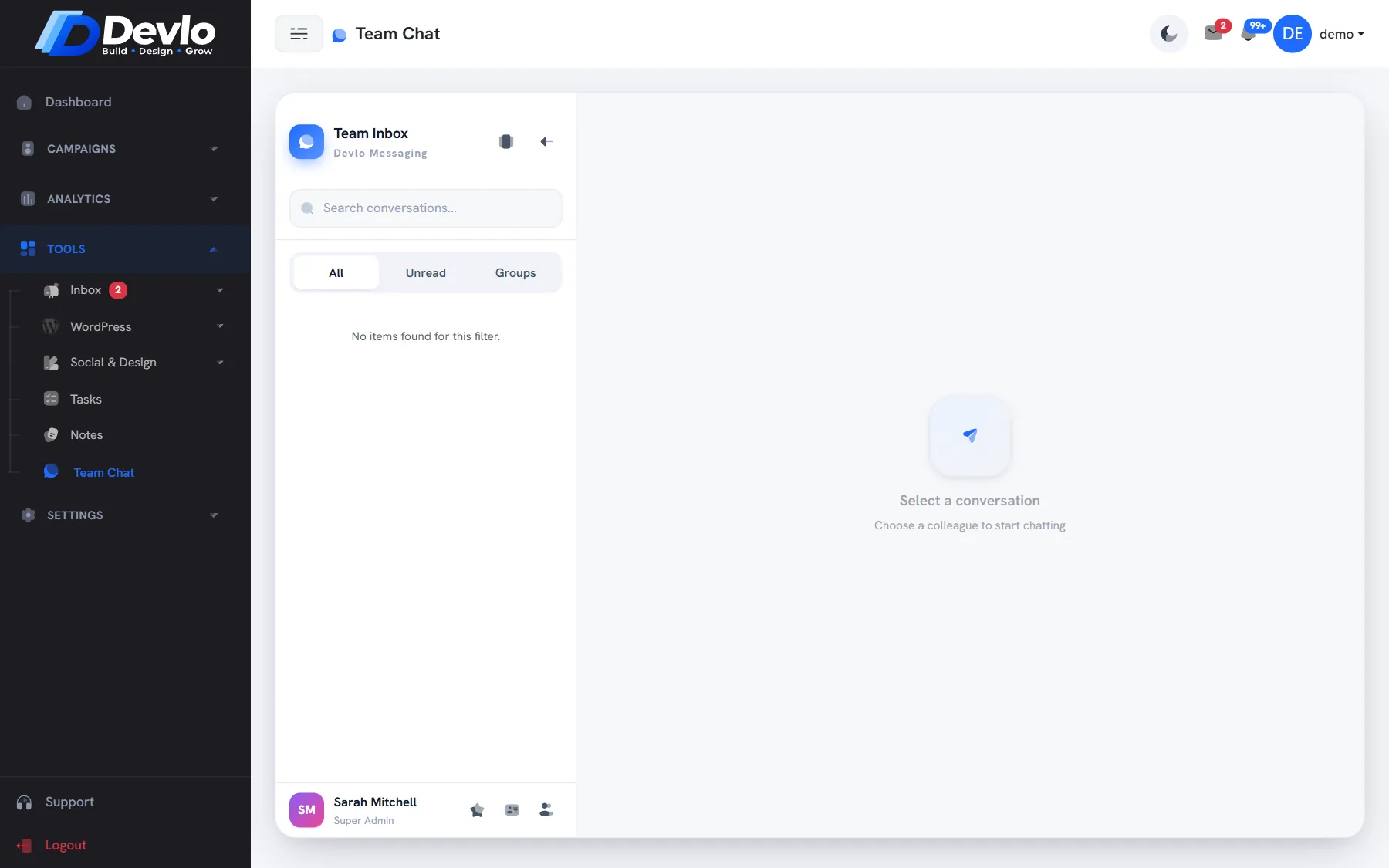
Team chat
Talk to your team inside Devlo, next to the campaigns and contacts you are talking about.
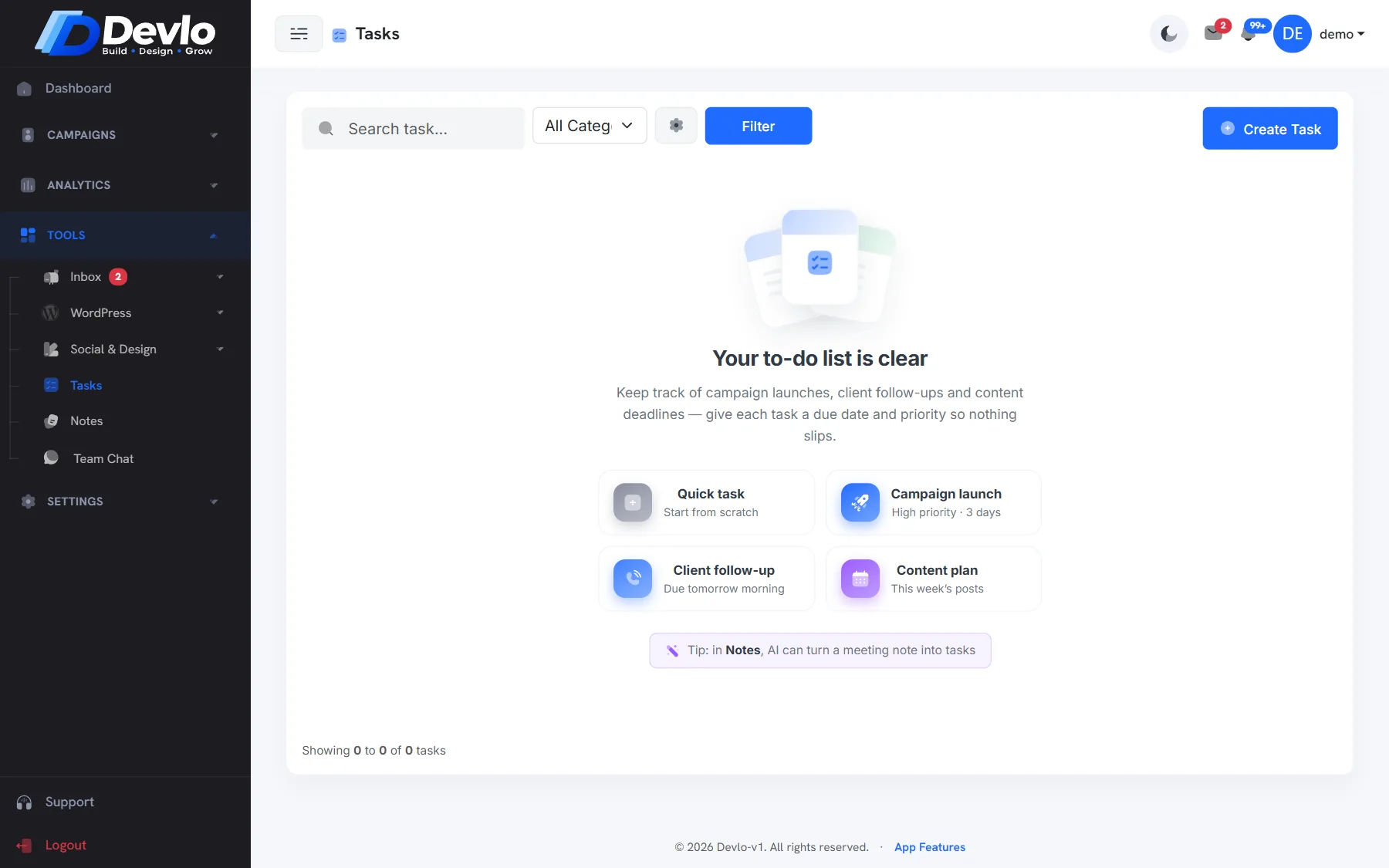
Tasks
Create tasks with categories, edit and duplicate them, and keep campaign launches on track.
Notes
Keep notes in notebooks, and let AI turn them into a task list.
Roles
Admin, Manager and Employee roles decide who can send campaigns and change settings.
One company
Everyone works in the same company account, with the same contacts, lists and sending accounts.
Notifications
The bell in the top bar shows what changed while you were away.
Ask the team, right here.
Team chat lives in the same app as your campaigns, so a question about a list or a send gets answered without leaving Devlo.
Team chat Notifications No extra app
Turn notes into done.
Plan a launch in Notes, turn it into tasks with AI, and track them with categories until everything is done.
Notes and notebooks AI notes to tasks Task categories
Good to know.
That depends on your plan; you add and manage them under Team.
Yes — roles and permissions decide who can send and who can only prepare.
Yes — Devlo runs in the browser, so your team can check chat and tasks from any device.
Better together.
Ready togrow smarter?
Bring your list, we'll bring the deliverability. Set up takes an afternoon, and the Free plan stays free.