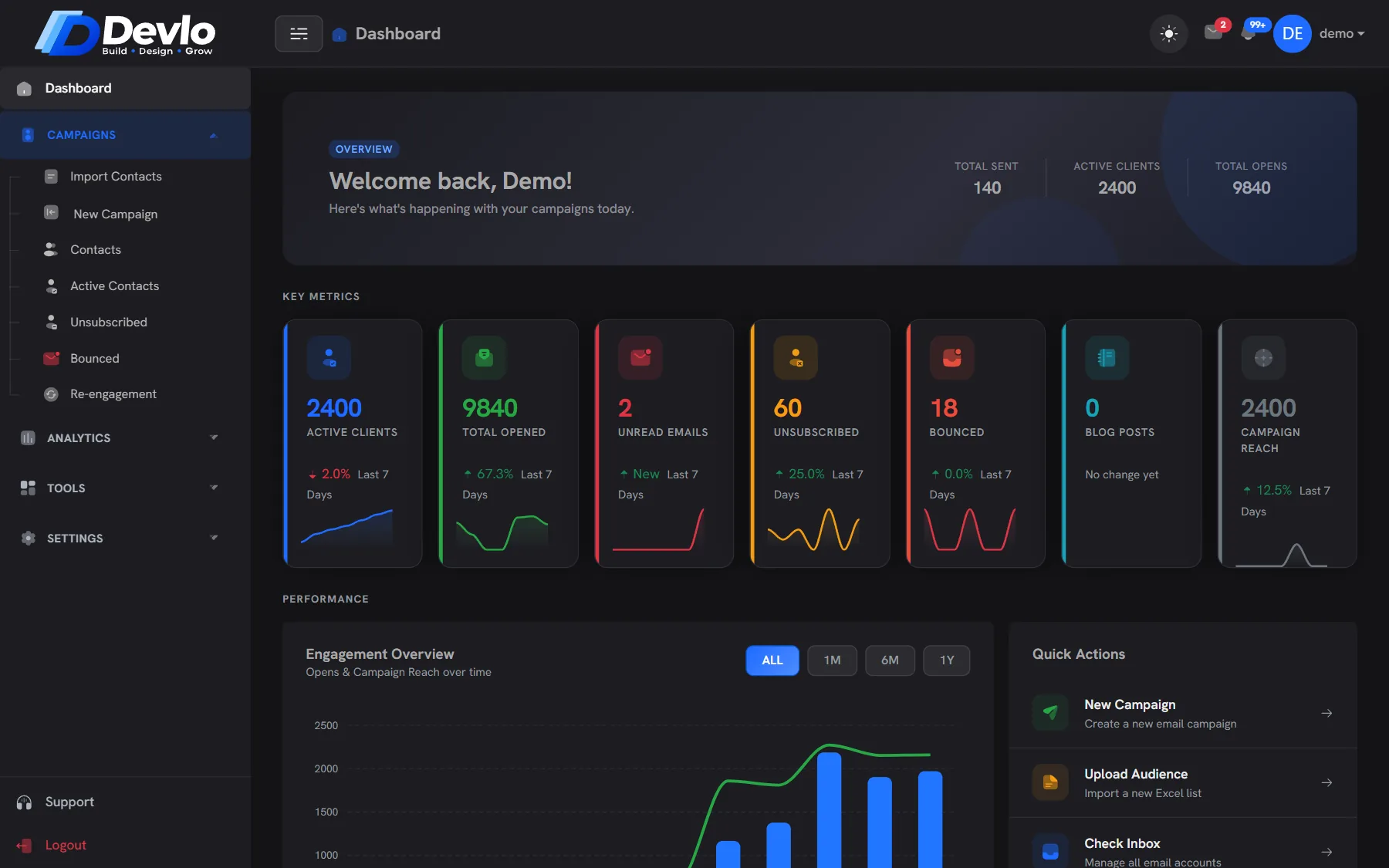
Every number, from real send data.
Opens, clicks, devices, email clients, hours and places — per campaign and per contact, with clicks from security scanners filtered out first.
Summer offer · report
NSAnswers,
not just charts.
Which subject worked, which hour they read, which device they used — and who to follow up with.
Campaign report
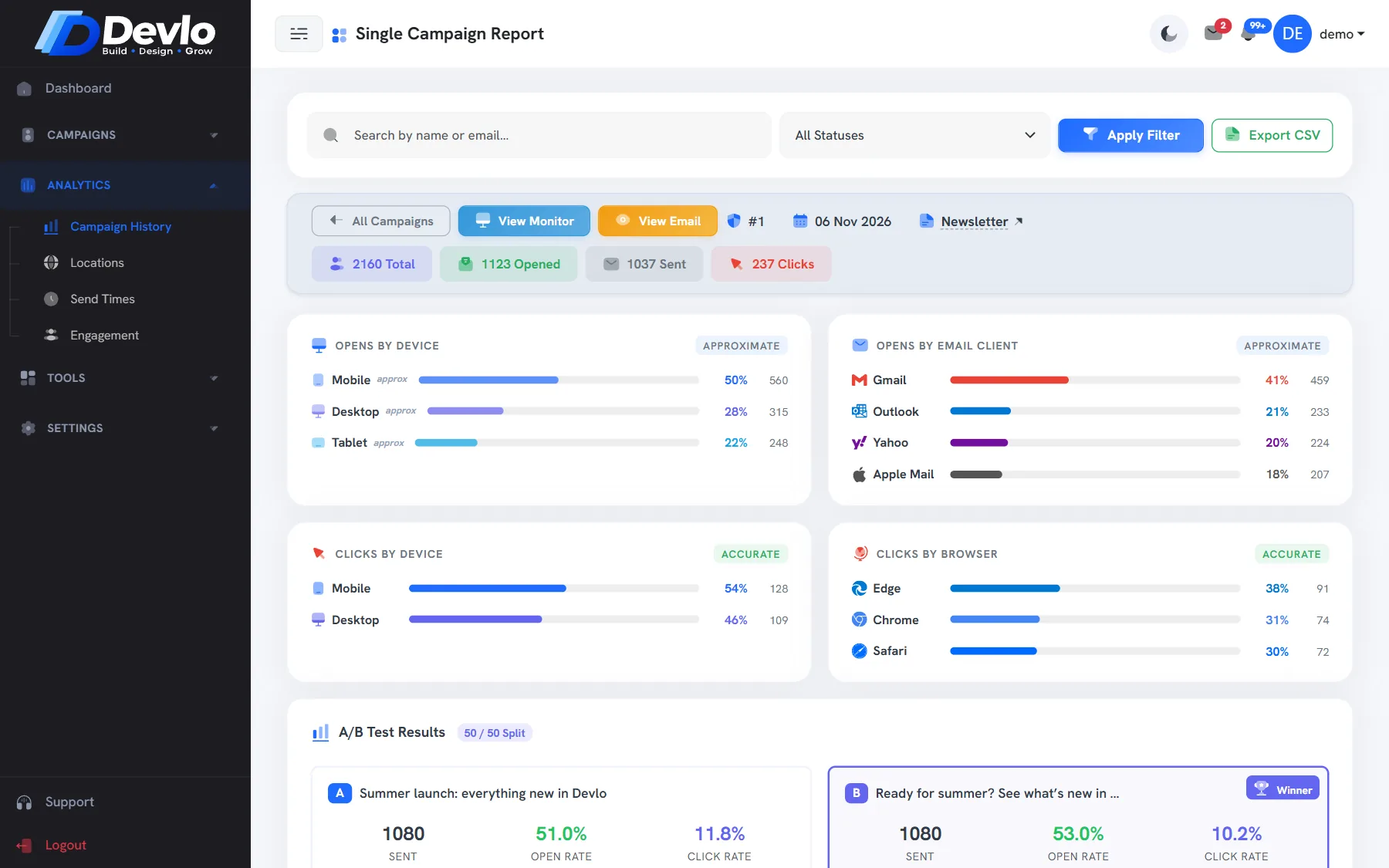
Delivered, opened, clicked and replied for each campaign, with every contact listed.
Devices and clients
Mobile or desktop, Gmail or Outlook or Apple Mail — see where your email was read.
Send-time heatmap
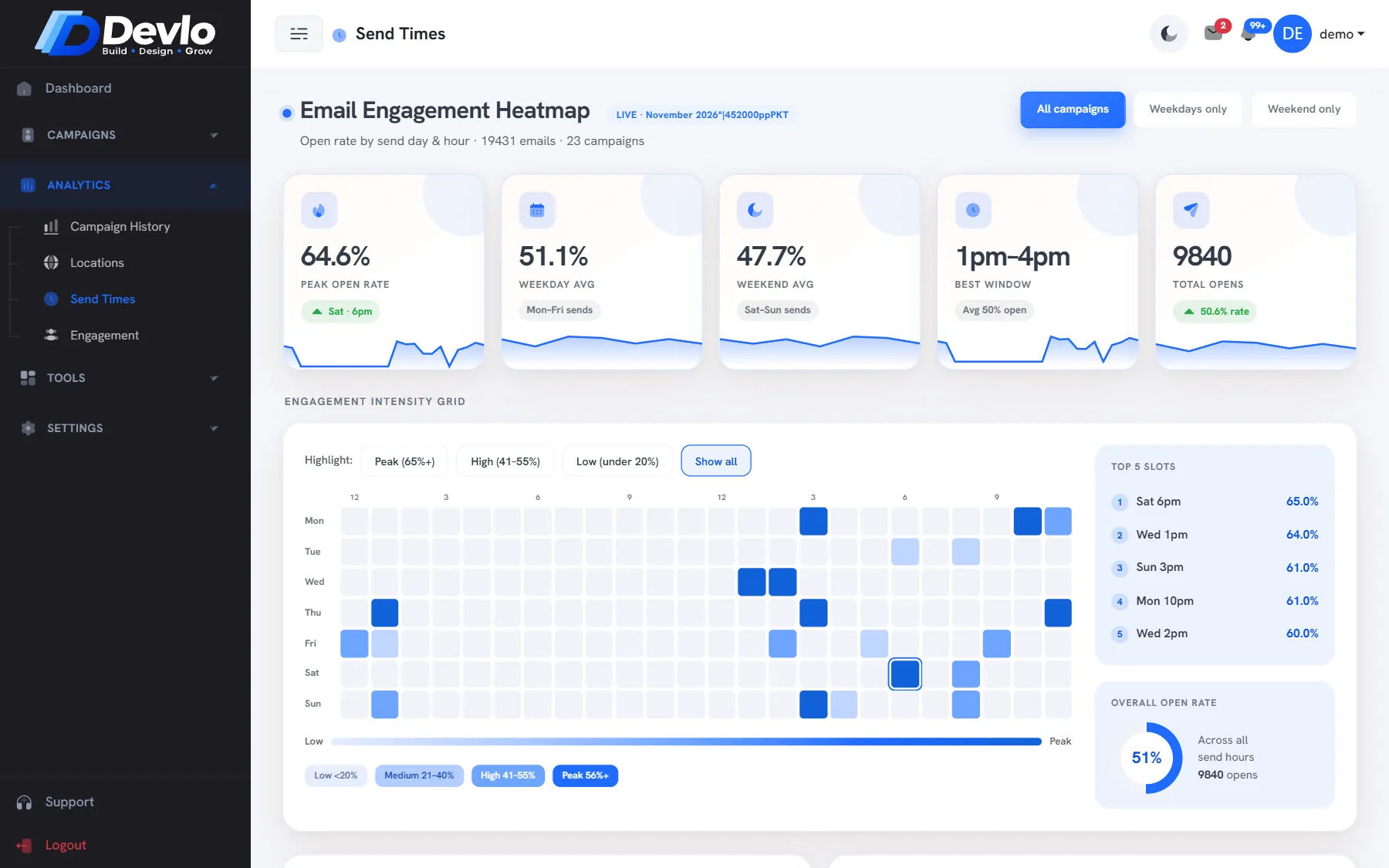
The hours and days your audience opens most, so the next campaign goes out when they read.
Locations
Roughly where opens come from, by country and city, marked as approximate.
Scanner clicks filtered
Security scanners click links before people do. Those clicks are left out, so the numbers are real.
Export to CSV
Take any campaign or contact report into a spreadsheet whenever you need it.
See what actually worked.
Every campaign has a report that fills in as people read. Compare campaigns in the history, and open any one for the detail.
Opens, clicks and replies A/B subject results Every recipient listed
Send when they read.
The send-time heatmap shows the best hours and days from your own opens, so you stop guessing when to send.
Peak hour and day Weekday vs weekend Built from your data
Let the numbers pick the subject.
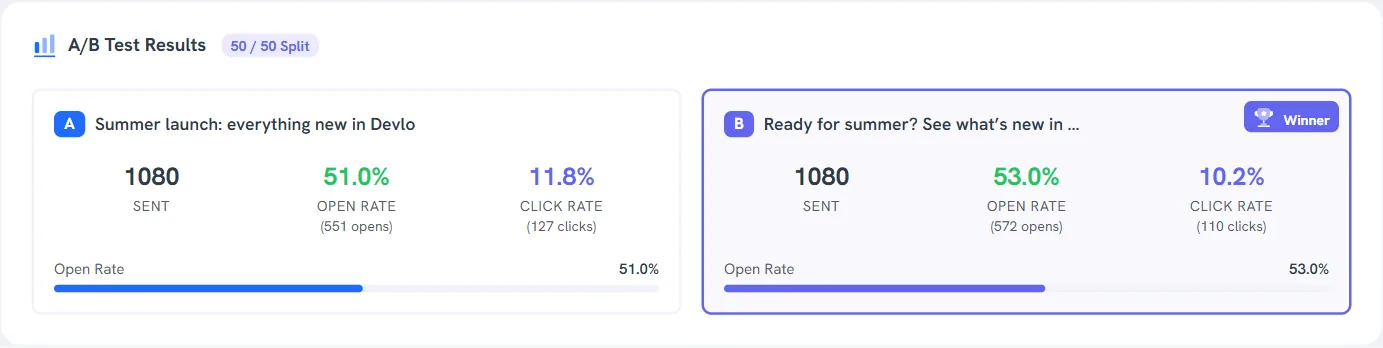
Give a campaign a second subject line and half the list gets each. The report shows both side by side — sent, open rate, click rate — and marks the winner.
50/50 split Open and click rate for A and B Winner marked
Good to know.
Opens are counted from a tracking image, and some mail apps load images automatically. Devlo filters known bots and early scanner opens, but treat opens as a strong signal, not an exact count.
No — they come from the IP address of the open and are marked as approximate.
Yes, campaign and contact reports export to CSV.
Better together.
Ready togrow smarter?
Bring your list, we'll bring the deliverability. Set up takes an afternoon, and the Free plan stays free.