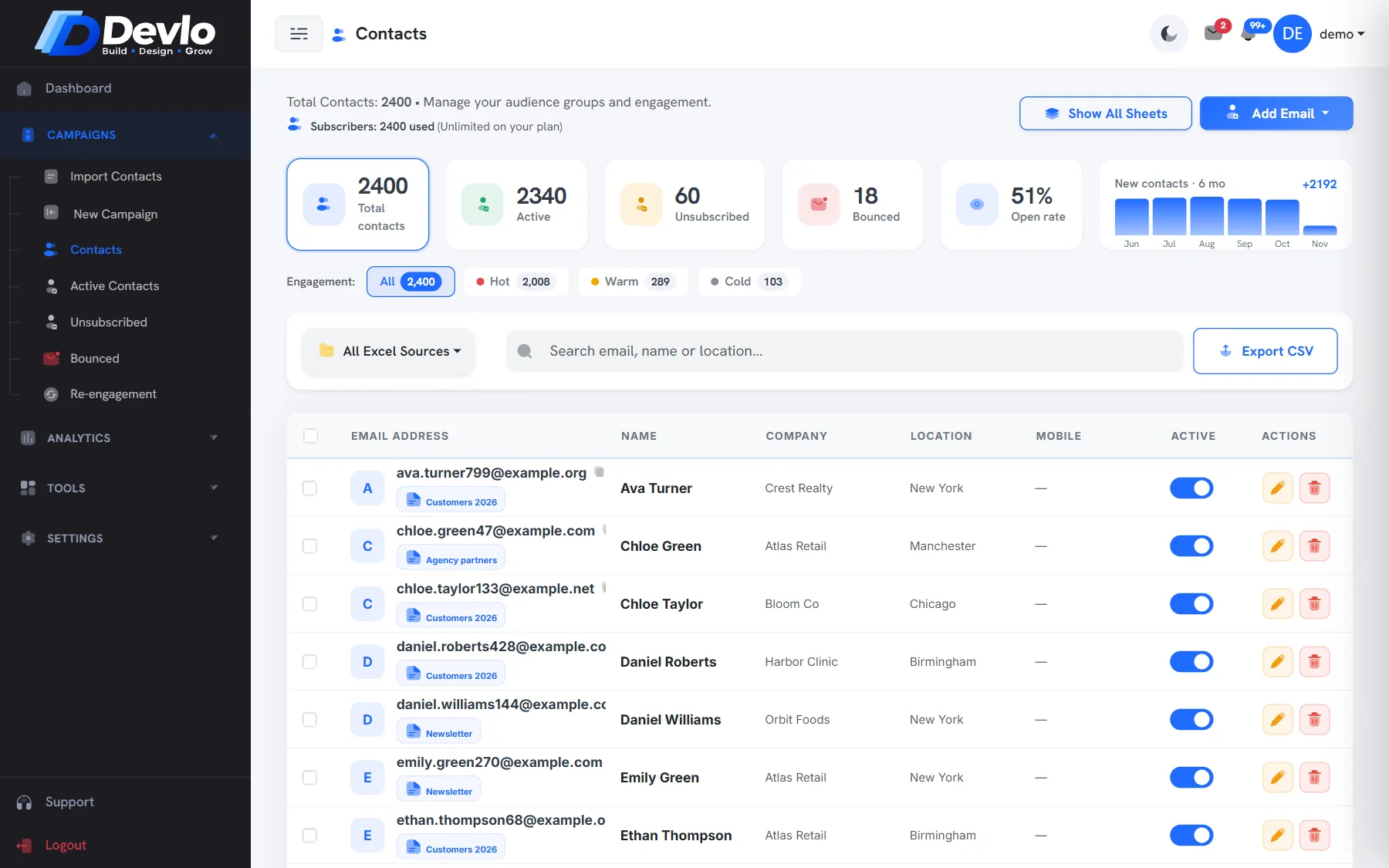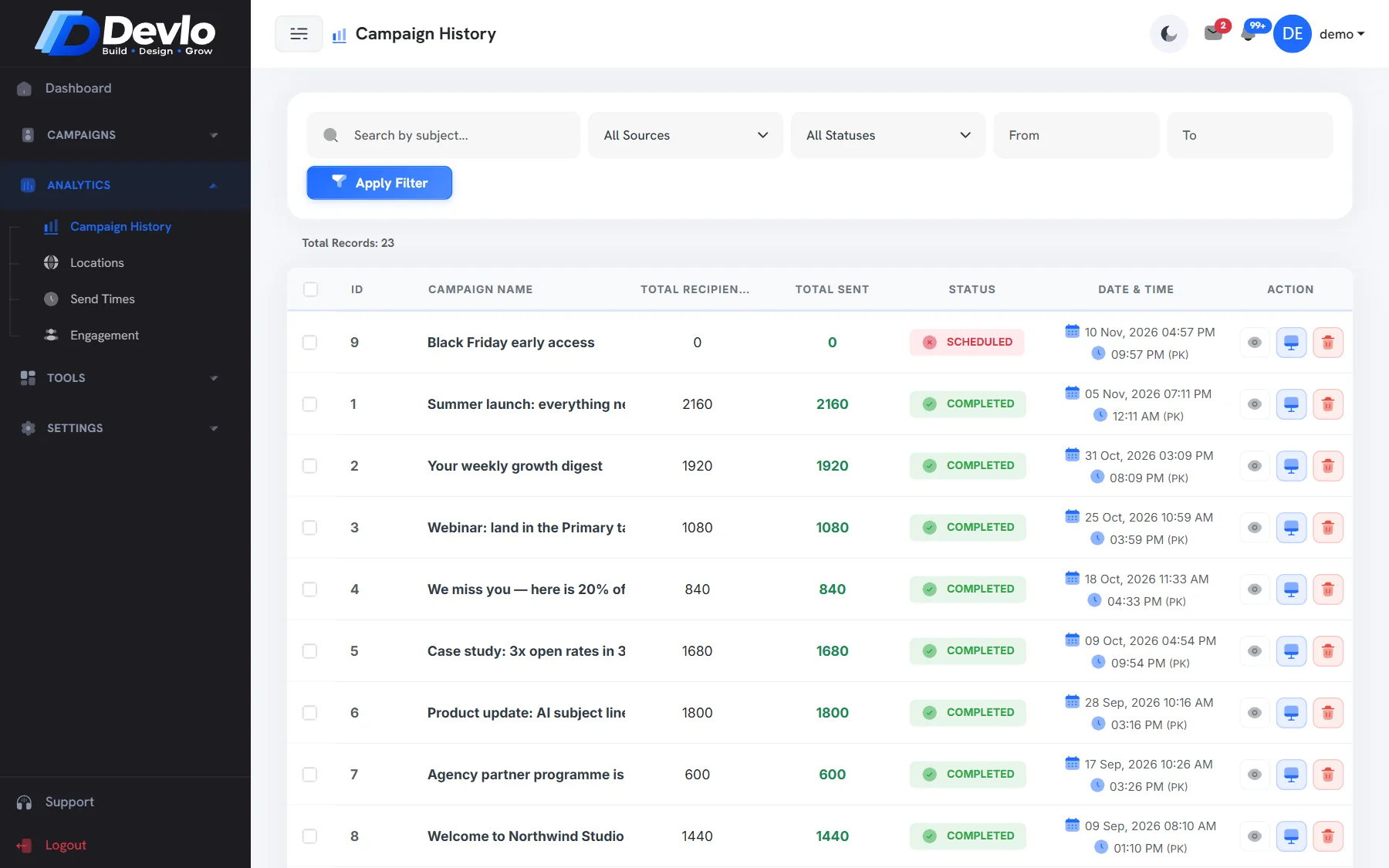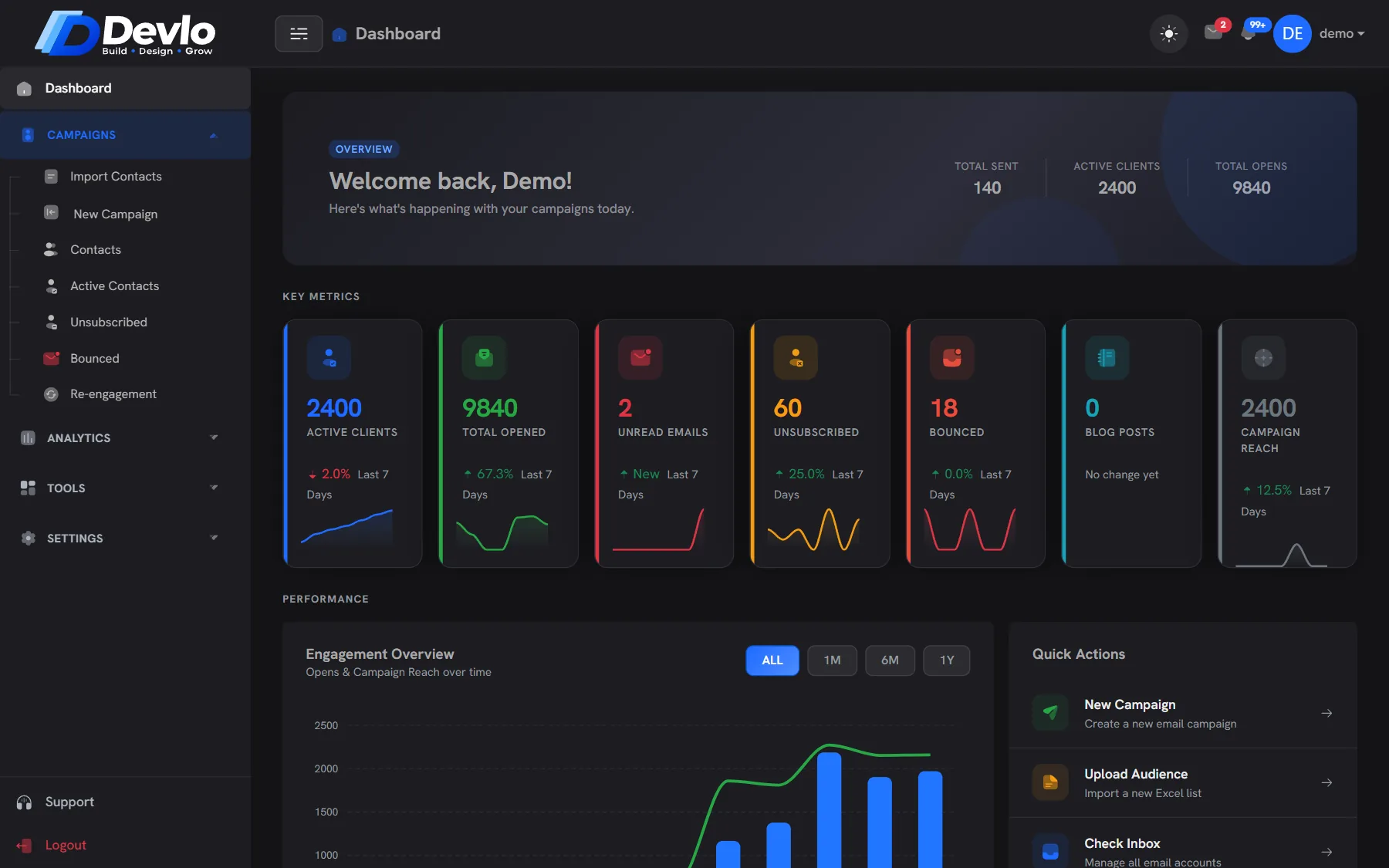
Every campaign gets a report that fills in as people read. Open it from Analytics›Campaign History.
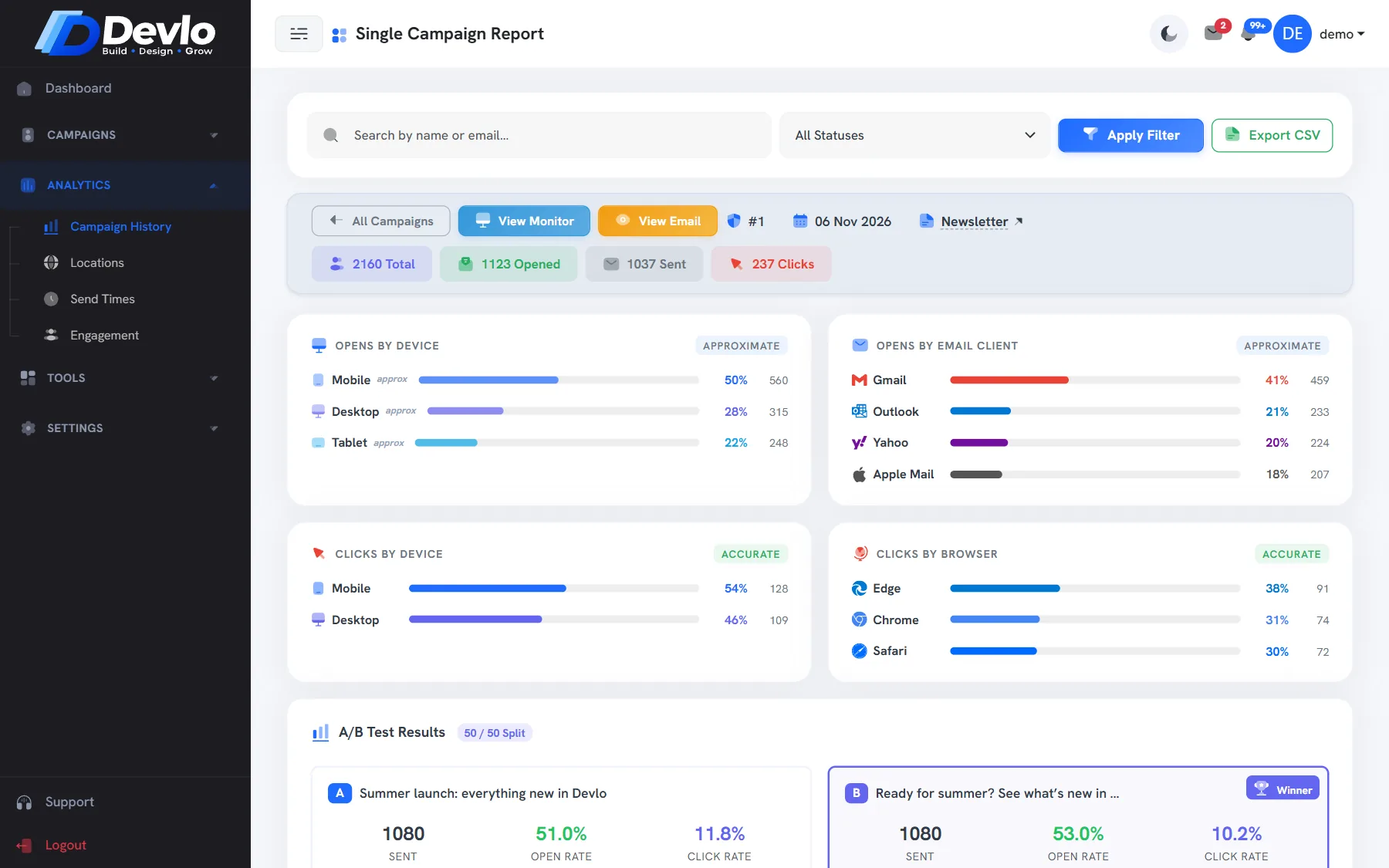
Opens: a signal, not a count
Opens are counted from a tiny image in the email. Some mail apps load images automatically, and some block them, so treat opens as a direction — up or down compared with your usual — rather than an exact number. Devlo filters known bots and early scanner opens to keep it as honest as possible.
Clicks: the number that matters
A click is a person choosing to act. Security scanners in company mail systems often “click” every link before a human sees it; Devlo leaves those out, so the clicks you see are people.
Devices and mail apps
The report shows mobile versus desktop and which mail apps were used — Gmail, Outlook, Apple Mail, Yahoo. If most readers are on phones, keep your emails short and your buttons big.
Timing
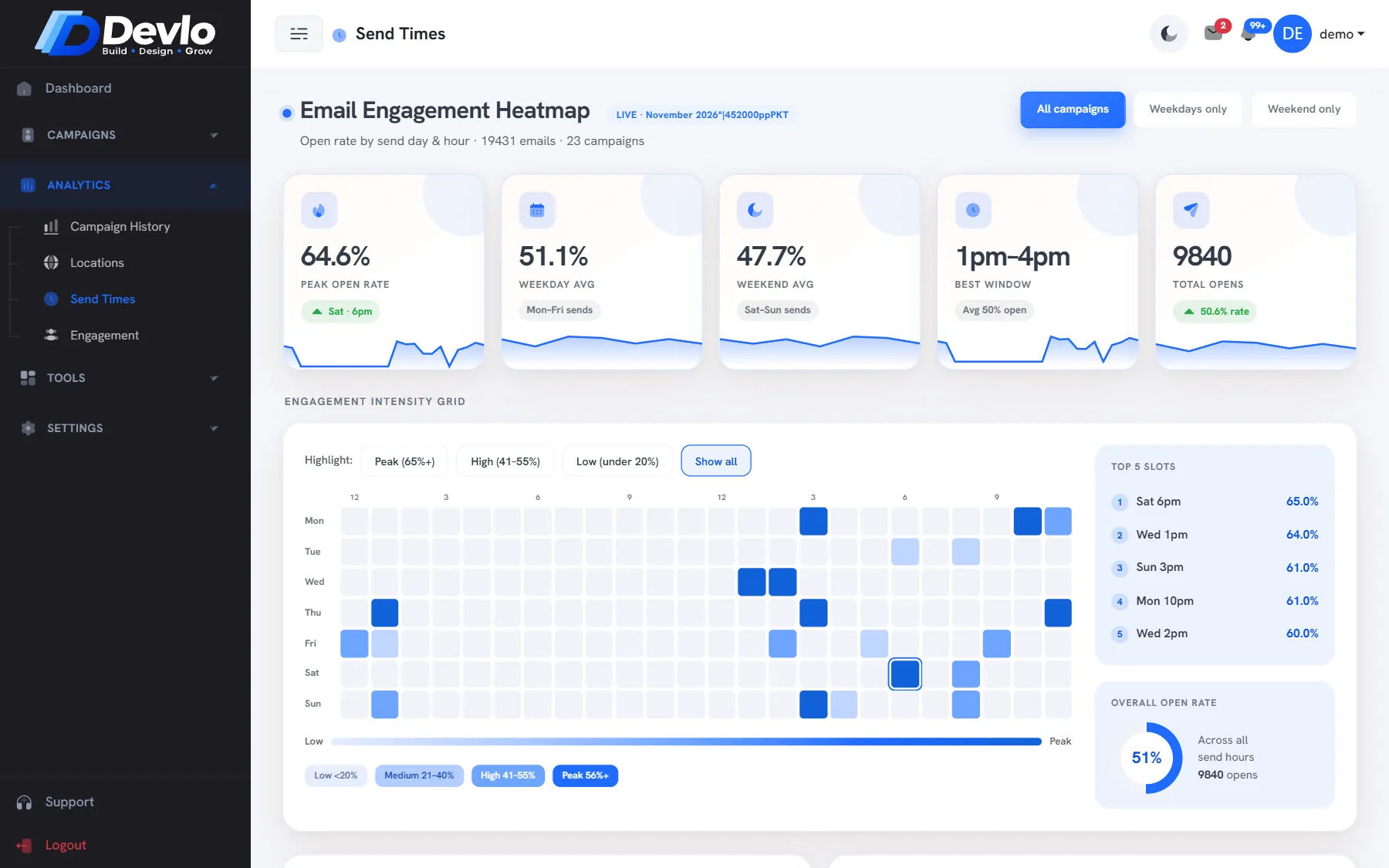
Analytics›Send Times turns your opens into a heatmap of hours and days. Send the next campaign when your audience actually reads.
What to do next
- Compare with your last five campaigns, not with industry averages.
- Follow up with the people who clicked — they raised their hand.
- Move the quiet ones toward Re-engagement.
- Export the report to CSV when you need it elsewhere.
Put it into practice
Devlo has these checks built in. Start free — no card needed.