Real contact lists are messy. A sheet exported from a till, a CRM or a sign-up form will have typos, gaps and repeats. Each bad address that bounces chips away at your sending reputation, so it pays to clean on the way in.
What you can import
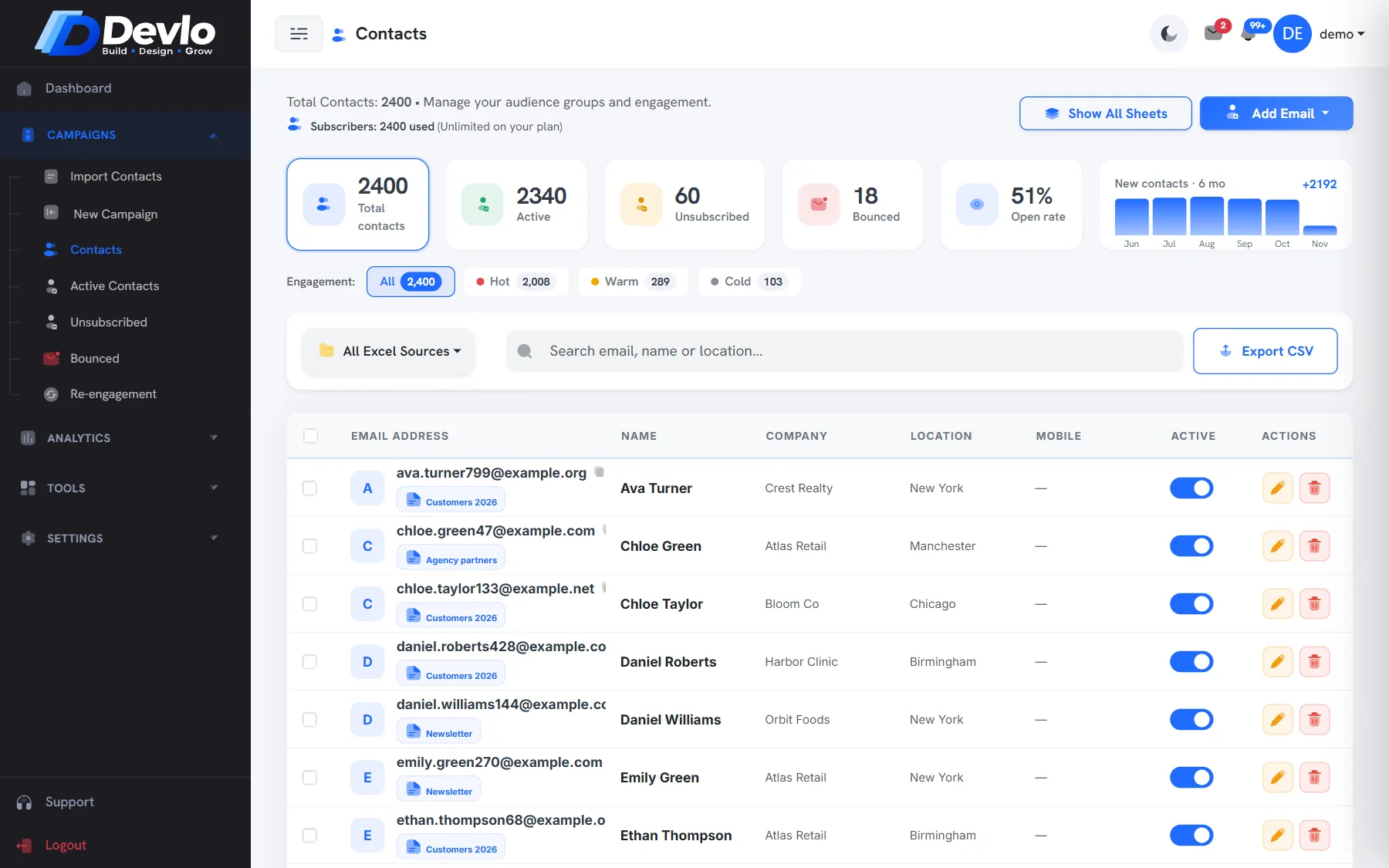
Go to Campaigns›Import Contacts and drop in an Excel (.xlsx, .xls) or CSV file. Only the email column is required; name, company, location and phone are picked up when present, in any column order.
What Devlo checks
| Check | Example | What happens |
|---|---|---|
| Likely typos | [email protected] | The right address is suggested; fix them in one click |
| Broken addresses | missing @, spaces, no dot | Flagged with the reason and skipped |
| Duplicates | the same address twice | Imported once (you can choose otherwise) |
| Past unsubscribes | someone who left before | Never added back, whichever list you import into |
A few habits that help
- Keep one column per field, with a header row.
- Import into a named group, such as “Website sign-ups Nov 2026”, so you can find it later.
- Only import people who agreed to hear from you — see our Anti-Spam Policy.
- Re-import an updated sheet any time; existing contacts are not duplicated.
Unsubscribes are permanent in Devlo. Even if an old spreadsheet still has someone who left, they stay out.
Put it into practice
Devlo has these checks built in. Start free — no card needed.